4SP Documentation
Your comprehensive guide to getting the most out of the Essential Student Toolkit.
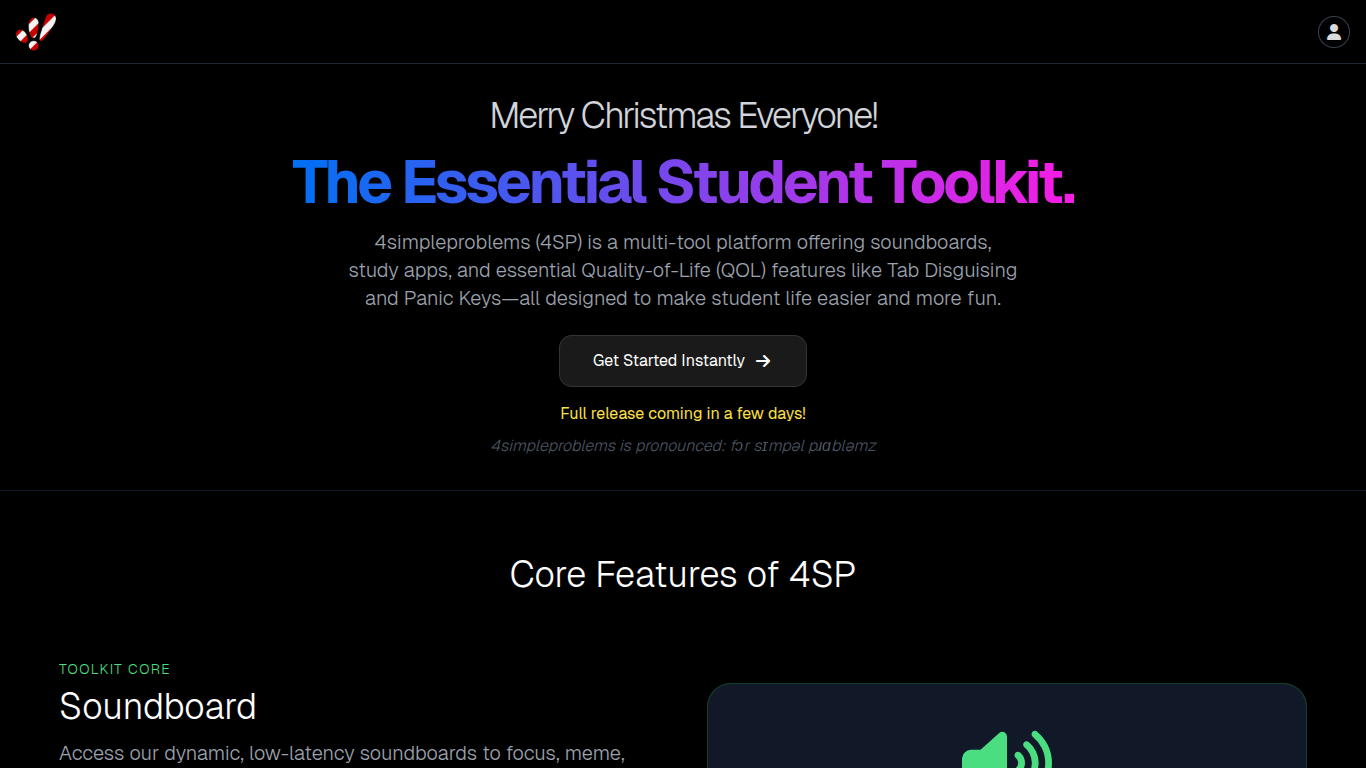
The Landing Page
The landing page of the website, providing an overview of the project and links to the main sections.
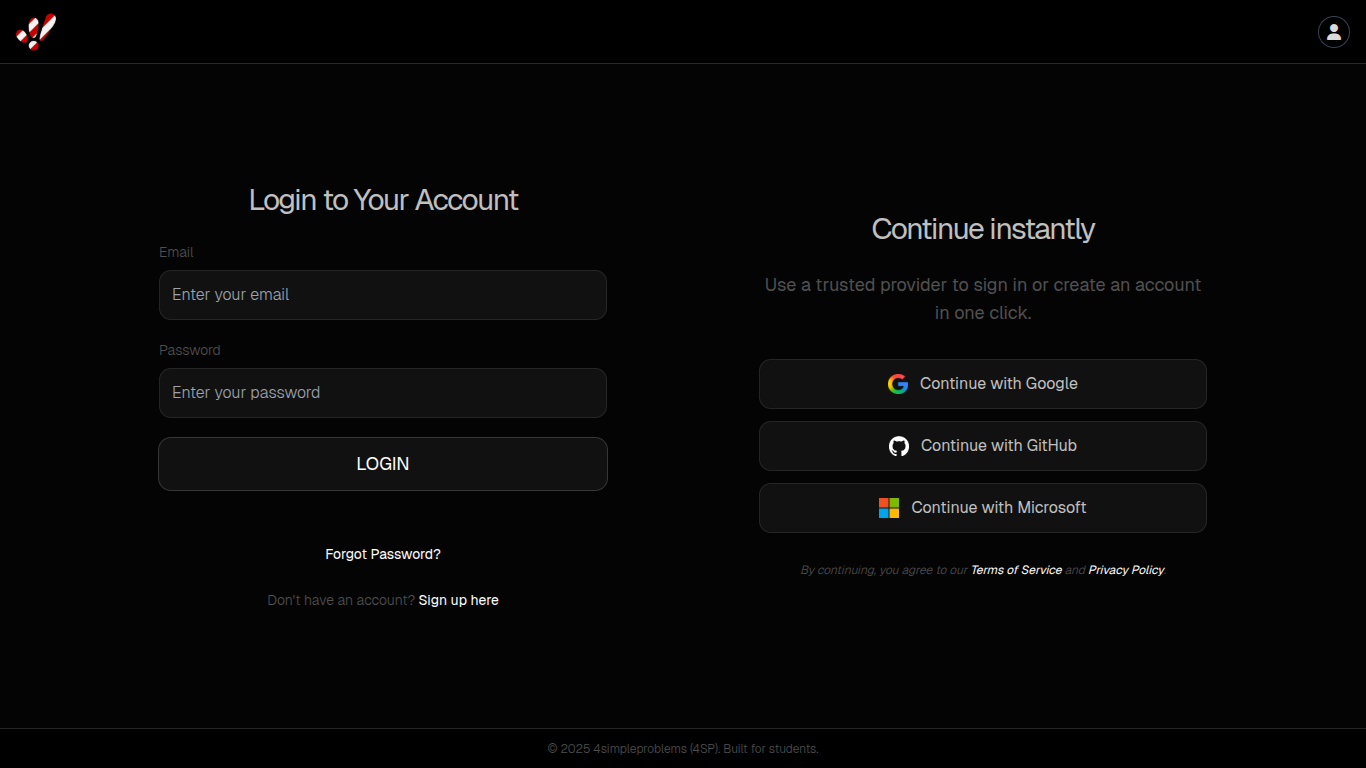
User Authentication
Handles user sign-up and login, supporting email/password and social providers like Google, Microsoft, and GitHub.
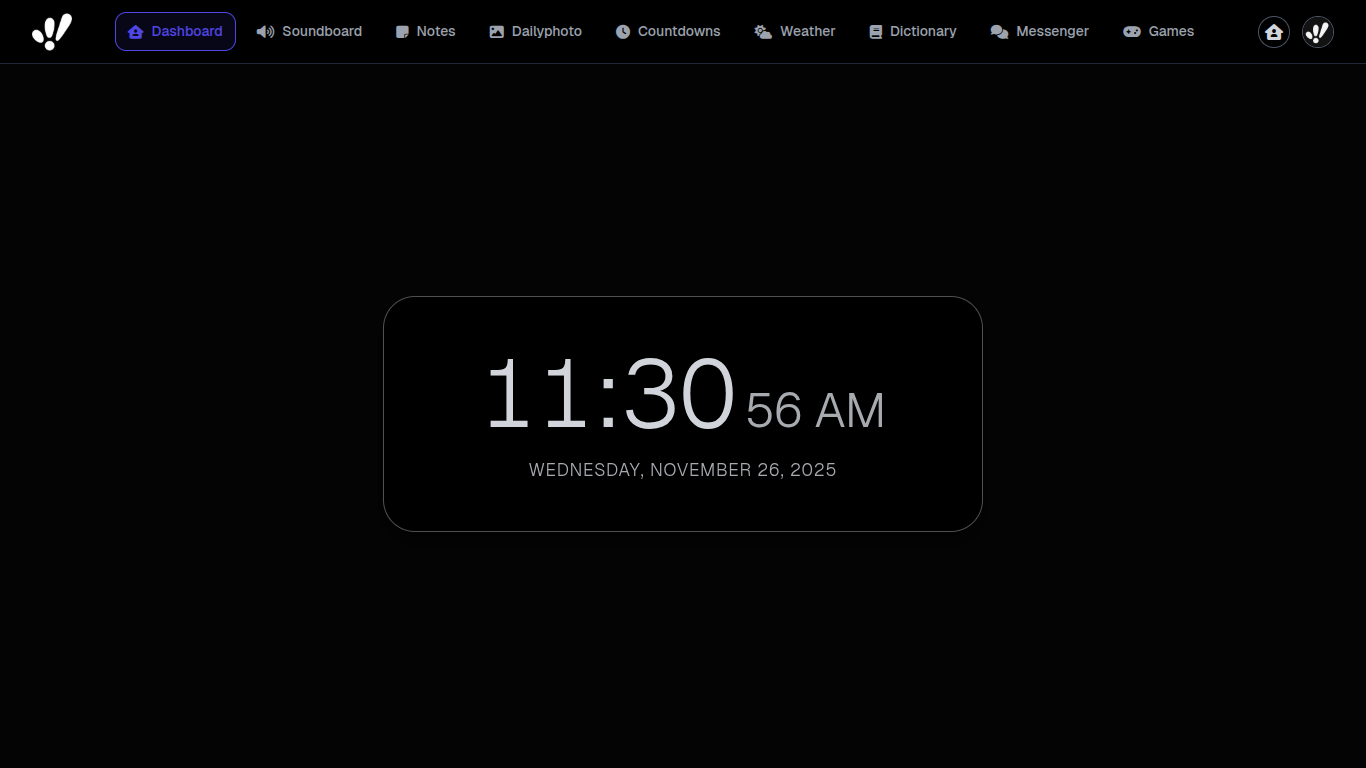
Dashboard
The main hub for authenticated users, displaying the current date and time.
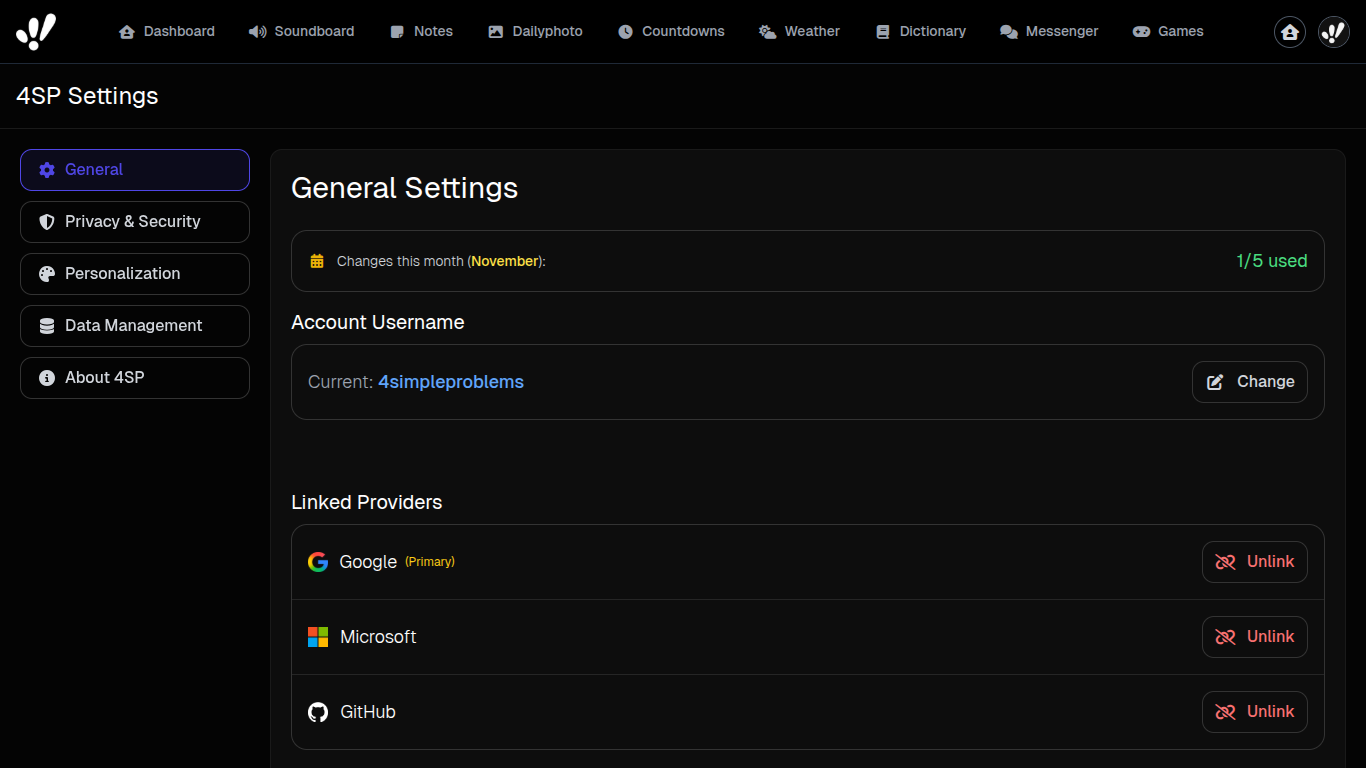
Settings
Allows users to manage their account, including changing their username, password, and linked social accounts.
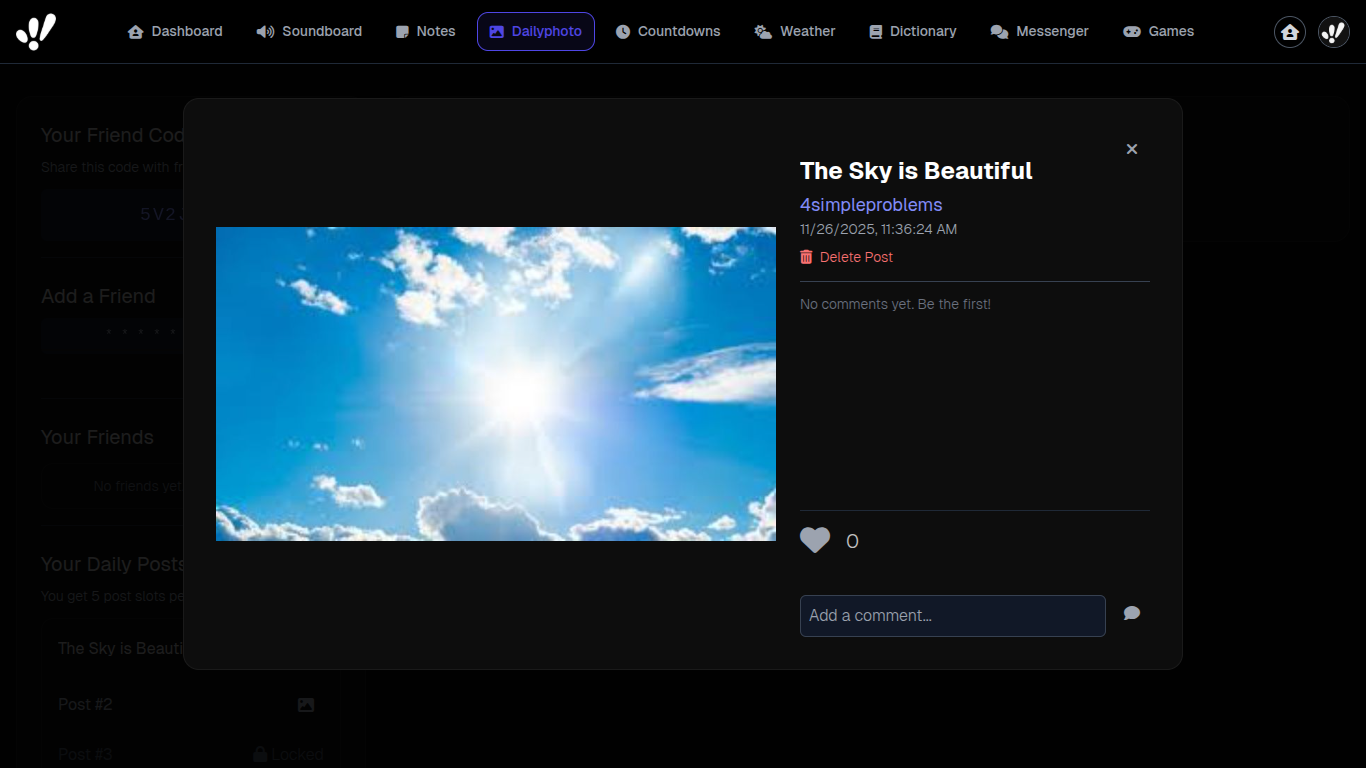
DailyPhoto
A social feature for sharing up to five photos per day with friends, fostering mindful sharing.
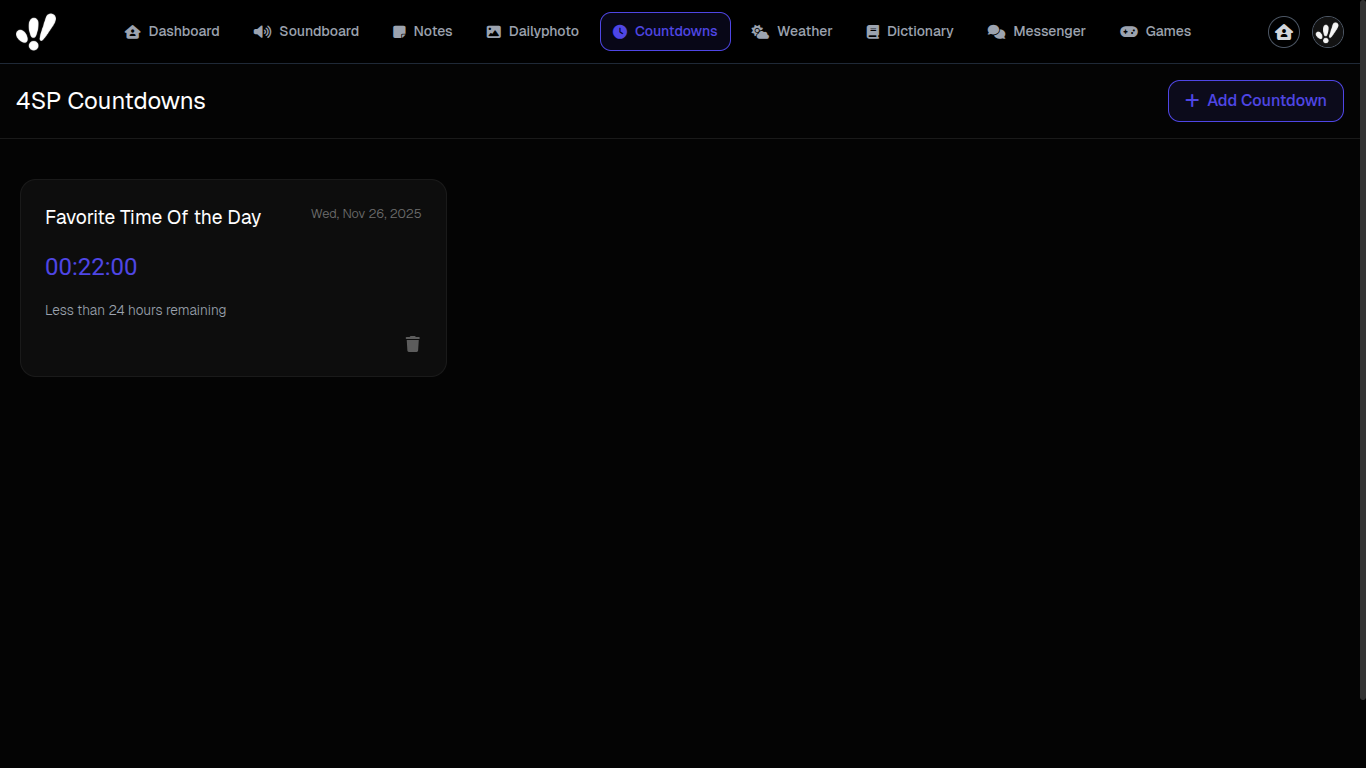
Countdowns
Create and track important events with customizable countdown timers.
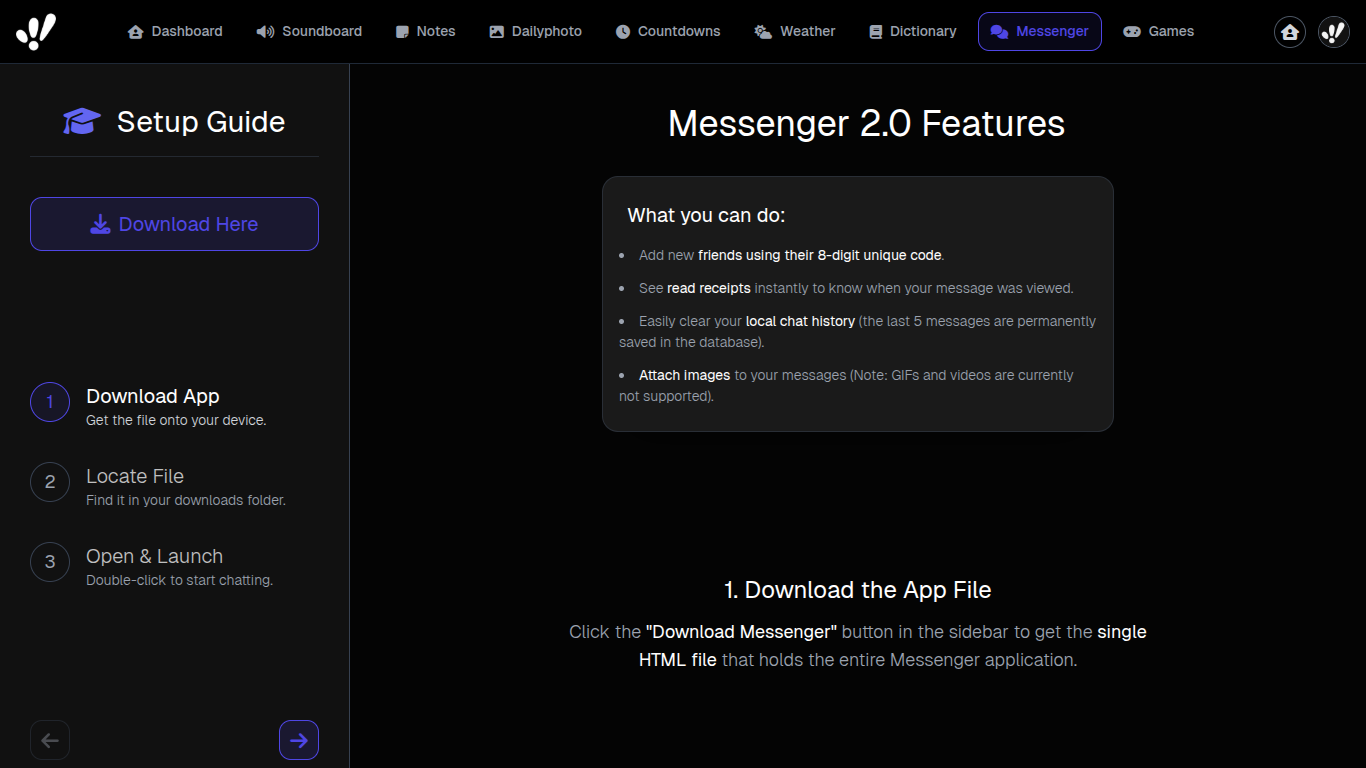
Messenger Tutorial
A guided introduction to the messenger feature, helping users understand its functionalities.
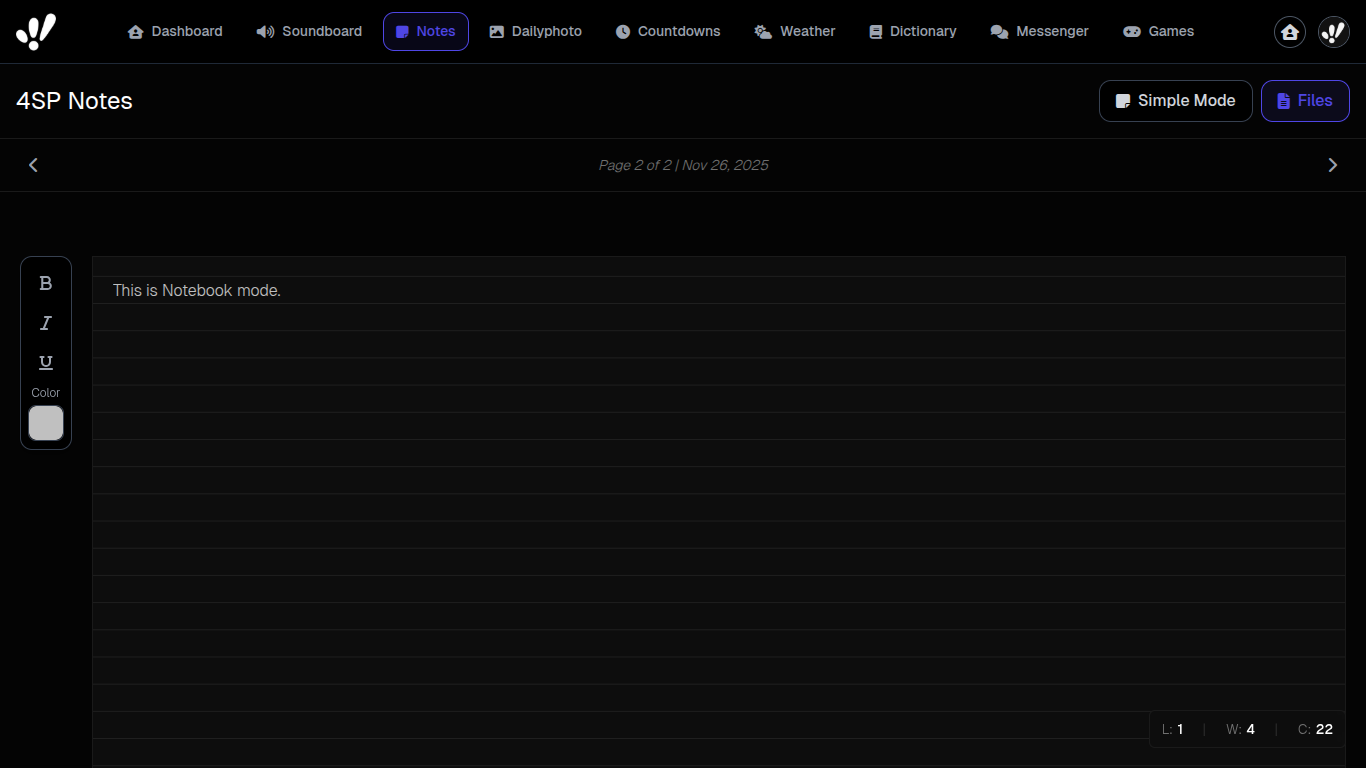
Notes
Securely store and manage your personal notes with client-side encryption and password protection.
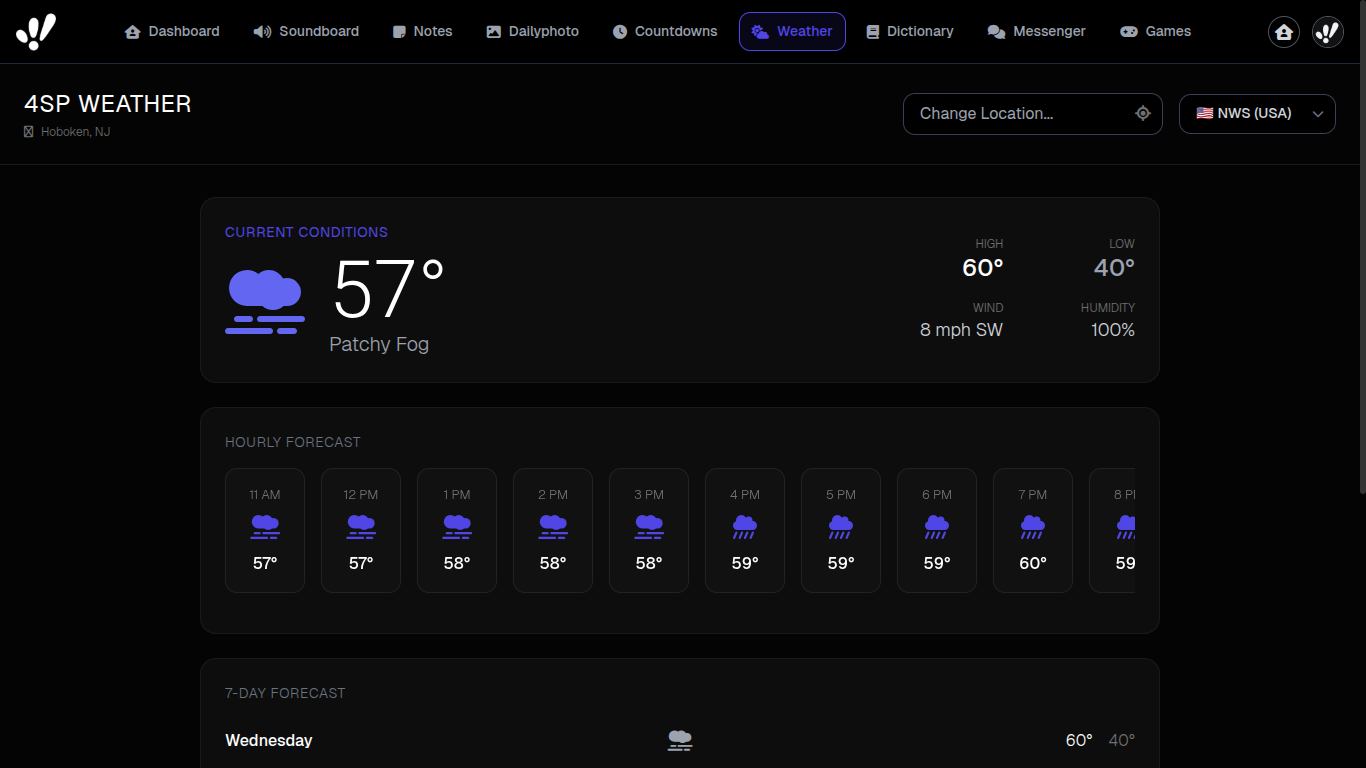
Weather
Get real-time weather updates for your current location or any specified city.
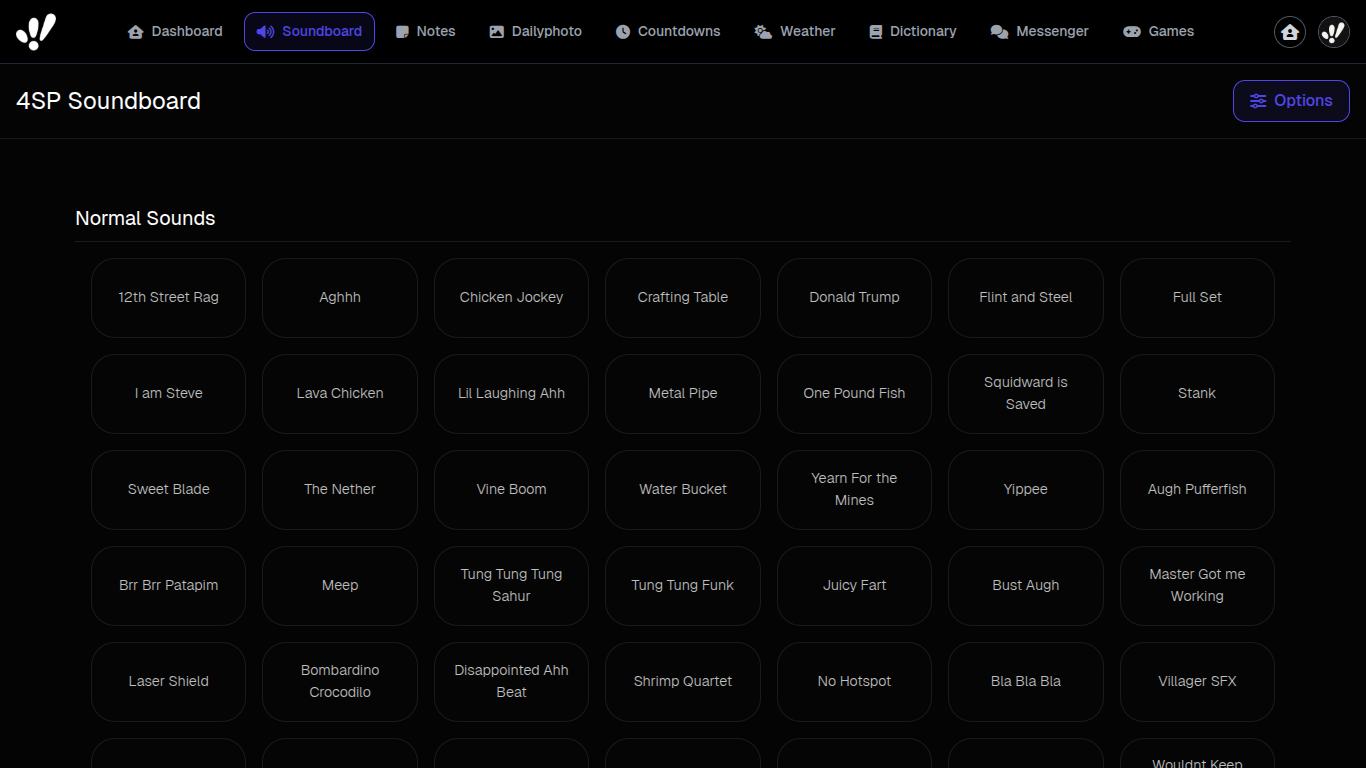
Soundboard
Play various sound effects and custom audio clips for entertainment or practical uses.
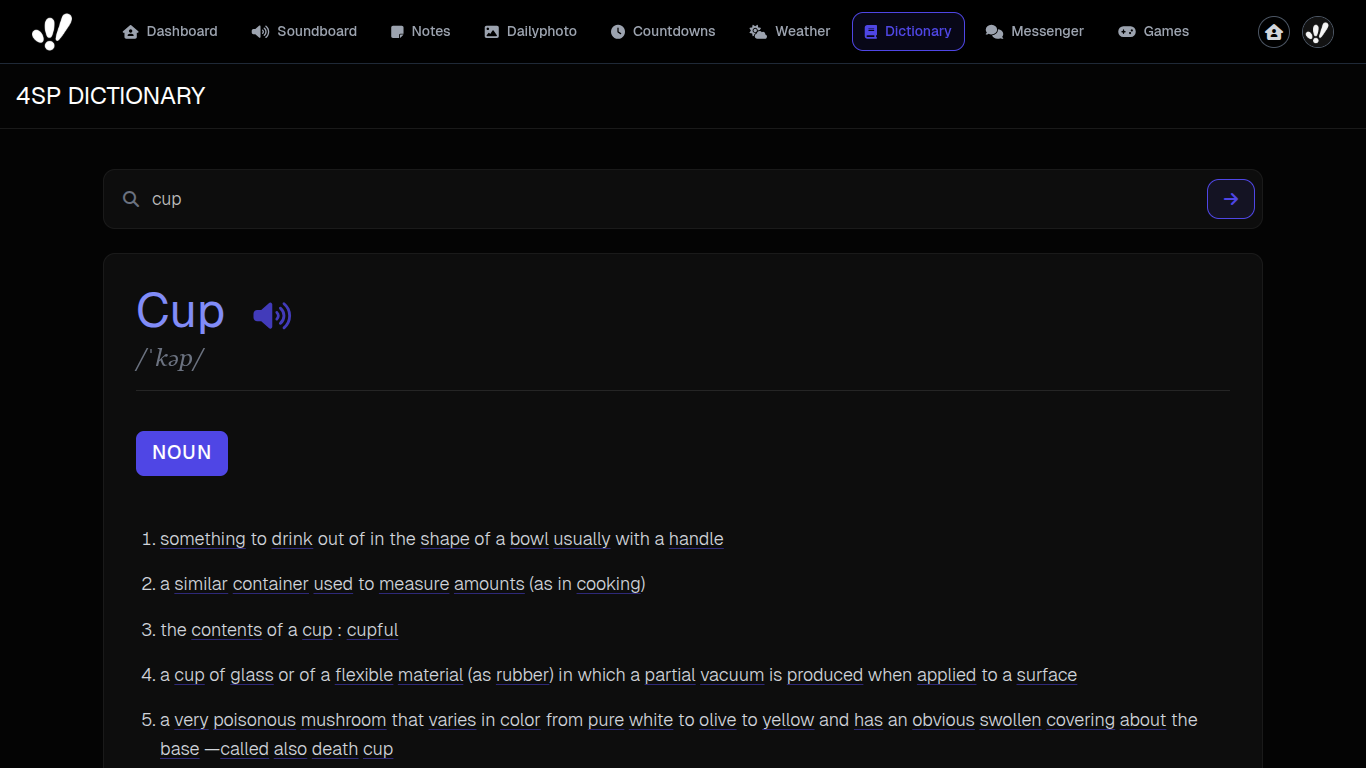
Dictionary
A quick-reference tool for searching word definitions, pronunciations, synonyms, and example sentences.
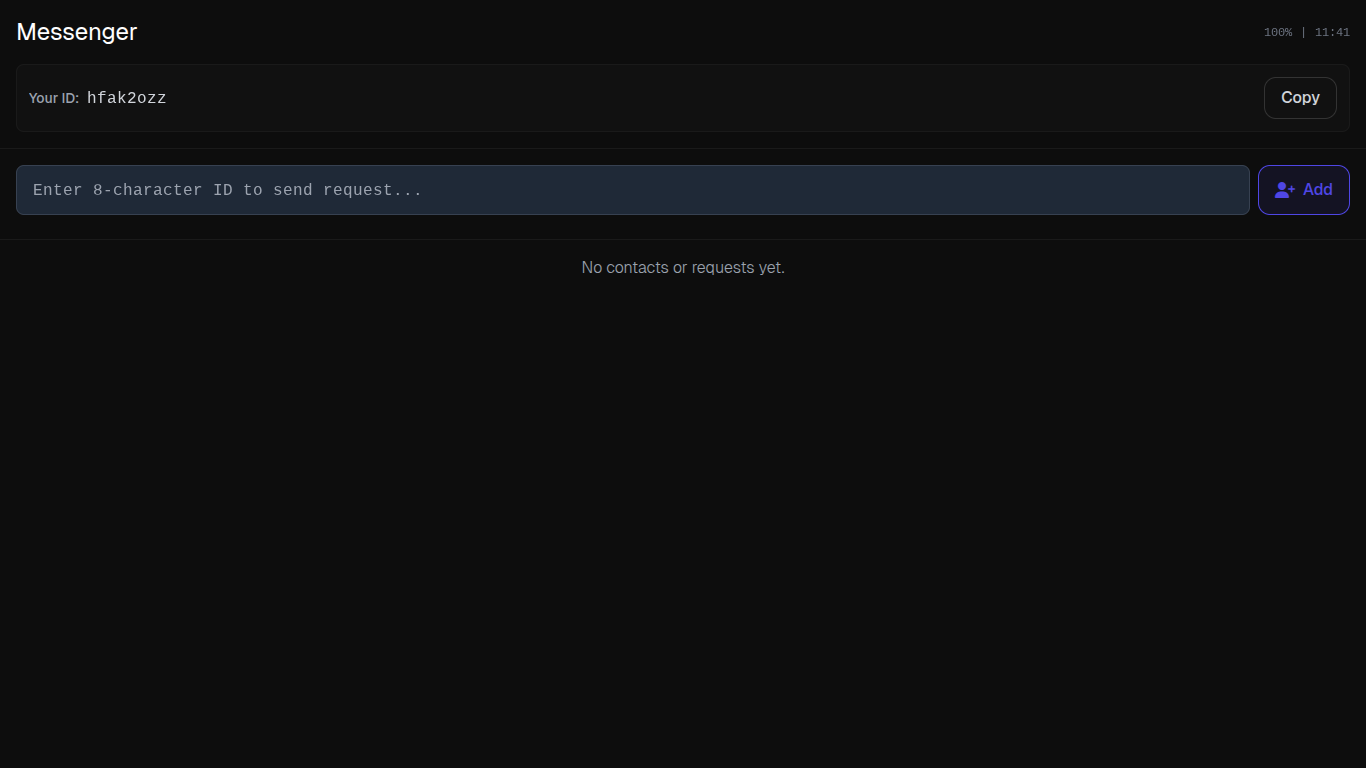
Messenger V2
The second version of the messenger, featuring improved performance and additional chat functionalities.